
Disclaimer: this how to fly drone is based on what works well for me. I hope it will help you.
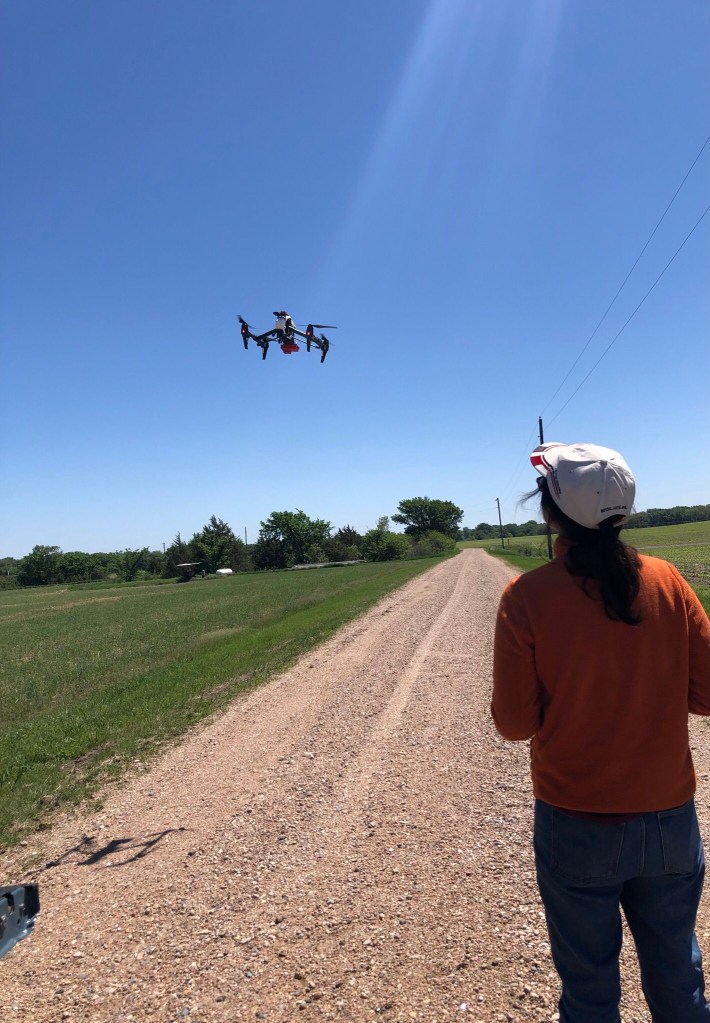
Pre-flight
- Check weather conditions a day before and on the day using this url: https://www.weather.gov/. Wind speed of <15mph and clear sky or full overcast would be the best conditions to fly.
During and after the flight
- Attach the iPad using the cord to the remote control and then turn it on (double push – quick first press then second long press) – should show dot lights accompanied by a ring.
- Remove the drone from the box and turn it on (double push – quick first press then second long press) – should have the green lights on accompanied by a ring.
- In the iPad, select DJI GO; click upper most left bar that says ‘dji Disconnected’ – it should show ‘Aircraft Status’ -> click ‘Enter Travel Mode’ to raise the drone into its flight position.
- Select and mark the flight area.
- Open Pix4D capture -> PROJECT LIST -> Project xxxxx -> Open -> locate your area of interest.The location of the drone should appear on the map close to where you are, if not check if the drone is turned on or restart the drone.Move the four corners of the flight polygon area and place white markers in each corner.
- Save the project by pressing the save logo.
- You are now ready to fly:
- BEFORE the flight, turn on the camera of the drone by connecting the iPad to the camera’s wifi: rededge1634139. Once connected, open Safari mobile browser and open the MicaSense Camera App by opening the URL: 192.168.10.254. Click the gear icon where you will see the ‘Basic Configuration’ and then press the START button. There should be a red blinking light on the camera/sensor.
- Take a photo of the calibration panel before the flight.
- Open the Pix4D capture Project xxxxx again and press start. Press NEXT until all the green check marks appear and you can start the flight mission.
- Be aware of the battery level of the drone. One battery can fly up to 15 minutes depending on the wind speed. If one battery is not enough, return the drone to home when the battery level is 35% or lower depending on the last location of the drone.
- After the flight, calibrate again by taking a photo again of the calibration panel.
- Return the drone to the box by going to DJI GO (‘dji Disconnected’ -> enter/exit travel mode to fit the drone into its mold in the box.
When flying, make sure to follow all the guidelines in the country you are flying your drone.
 larswrites